Save the record on the device first
Animal marks, round positions, breadcrumbs and session notes are written locally as the work happens. If reception drops, the operator keeps recording instead of waiting for a cloud request to finish.
 FOX GPSFIELD CAPTUREGet started
OFFLINE PEST-CONTROL GPS · AUSTRALIA
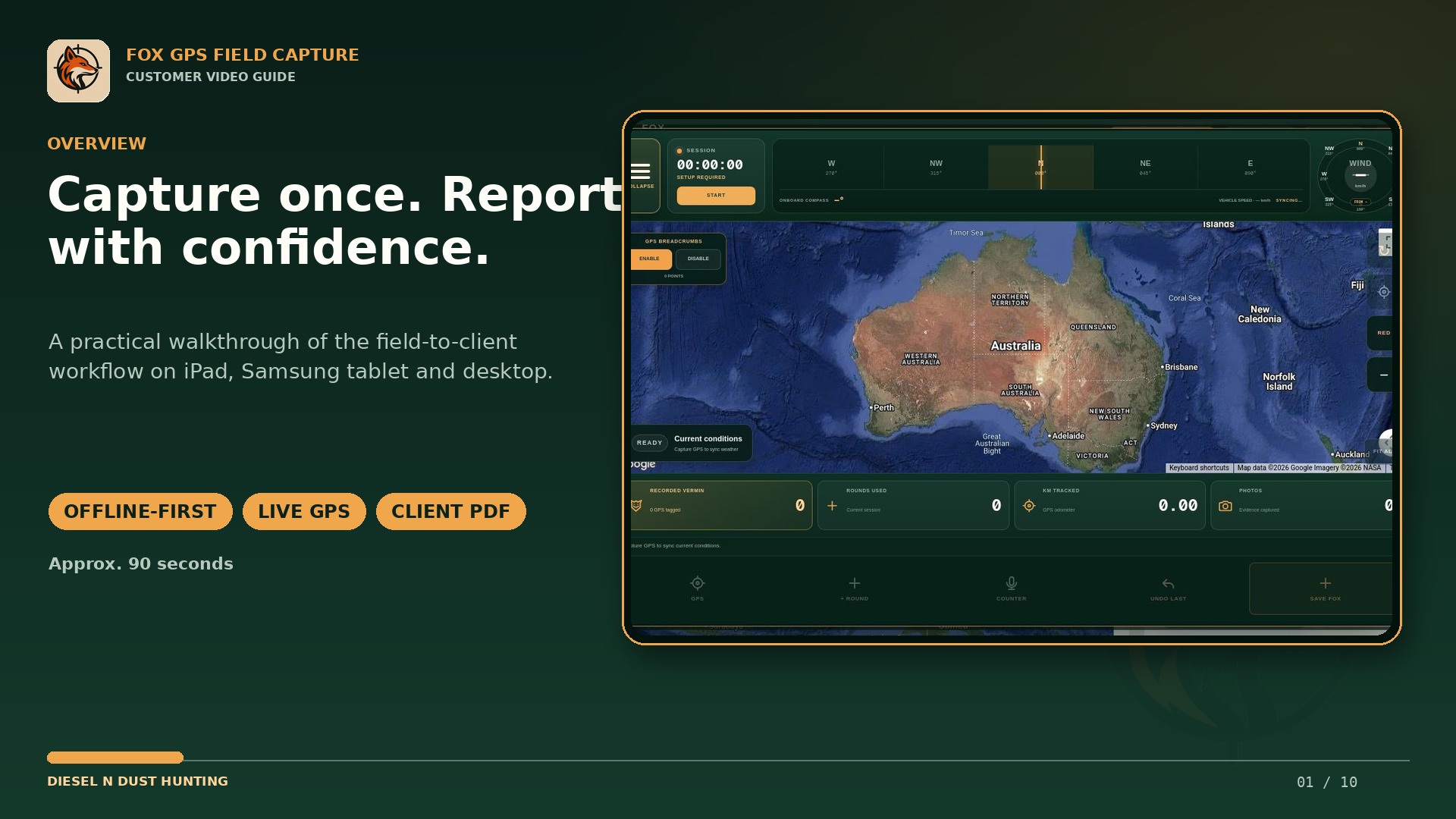
BUILT FOR AUSTRALIAN FIELD CONDITIONS
Animal marks, round positions, breadcrumbs and session notes are written locally as the work happens. If reception drops, the operator keeps recording instead of waiting for a cloud request to finish.
Saved KML property and safety overlays remain available with GPS follow and field records. In the web or installed PWA, Google satellite imagery may need reception; the native companion can use previously downloaded Mapbox areas for planned offline coverage.
Pending records are queued for automatic backup once the device reconnects. The console shows field and backup status so the operator can confirm the session is protected before leaving the job.
COMMON QUESTIONS
Core capture continues on the device: live GPS, field records, breadcrumbs and saved overlays remain usable. Cloud backup and online imagery resume when reception returns.
The native companion supports downloaded Mapbox areas for planned offline use. The web or installed PWA retains saved data and overlays, but Google imagery itself can require a connection.
They remain queued on the device and back up when a usable connection returns. Fox GPS exposes the sync state so the operator can confirm whether work is current or pending.
Uploaded property and safety KML layers are stored as part of the field workspace and remain available alongside the operator’s saved records.
USE YOUR OWN FIELD DATA